

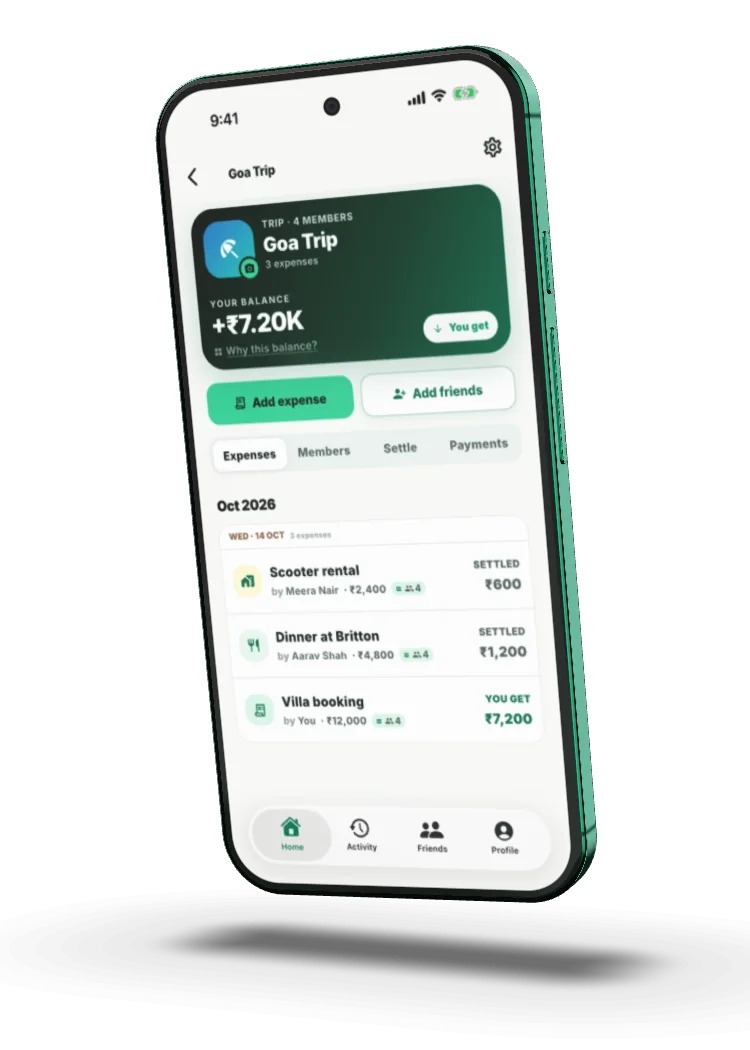
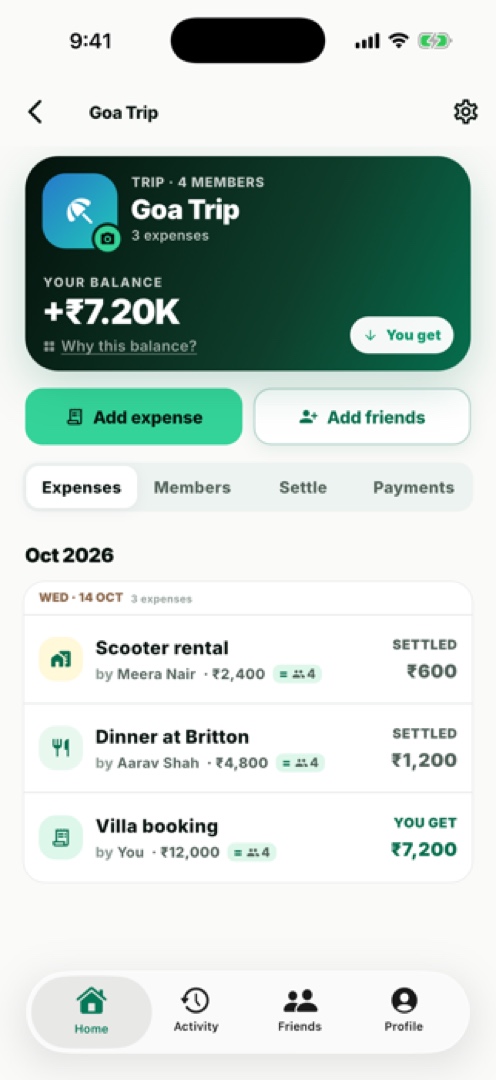
Groups for
everything
Trips, flats, dinners, whatever. One group, one running score.
Done. Easy.
Donezy remembers who paid, works out who owes, and finds the shortest way to all square — so nobody has to be the friend who keeps the tab.
Never holds your money · No ads, never sold · Delete anytime
Every friendship runs a quiet ledger. Who covered the cab. Who still owes for the cake. Donezy takes that ledger off your mind — so all you bring home is the story.The Donezy way
Features
Trips, flats, dinners, whatever. One group, one running score.
Equally, by shares, by percentage, or to the last rupee. Fair is fair.
Everyone's balance moves the moment an expense lands.
We do the maths. Your UPI app does the paying.
Receipt photos and notes, filed with every expense.
A gentle reminder before it’s due. Never an awkward one.
How it works
Trip, flat, dinner. Invite with a code.
Who paid, how it’s split. Done.
Pay in your own UPI app. That’s it.
Trust
Donezy isn’t a bank, a wallet or a payment app. When you settle up, your own UPI app does the paying — Donezy just keeps the maths honest.
Start a group in seconds, invite with a code, and settle up in your own UPI app.
FAQs
Never send passwords, OTPs, UPI PINs or banking details by email. Donezy support will never ask for them.
Ask a member for an invite code, then tap Join group on the Home tab and enter it.
No. Donezy records who owes what. When you settle with UPI, it opens your own UPI app, and the payment happens there.
Open the group and check each expense's payer and split. An expense can be edited by the person who added it or the person who paid it.
Turn them off under Notifications on the Profile tab, or in your device's notification settings.
See Delete your account.